
AI Chatbot vs AI Agent: What's the Difference and Which Does Your Business Need?
AI chatbots and AI agents are fundamentally different technologies. Here's a clear breakdown of what each does, how they compare, and how to decide which one is right for your business in 2026.
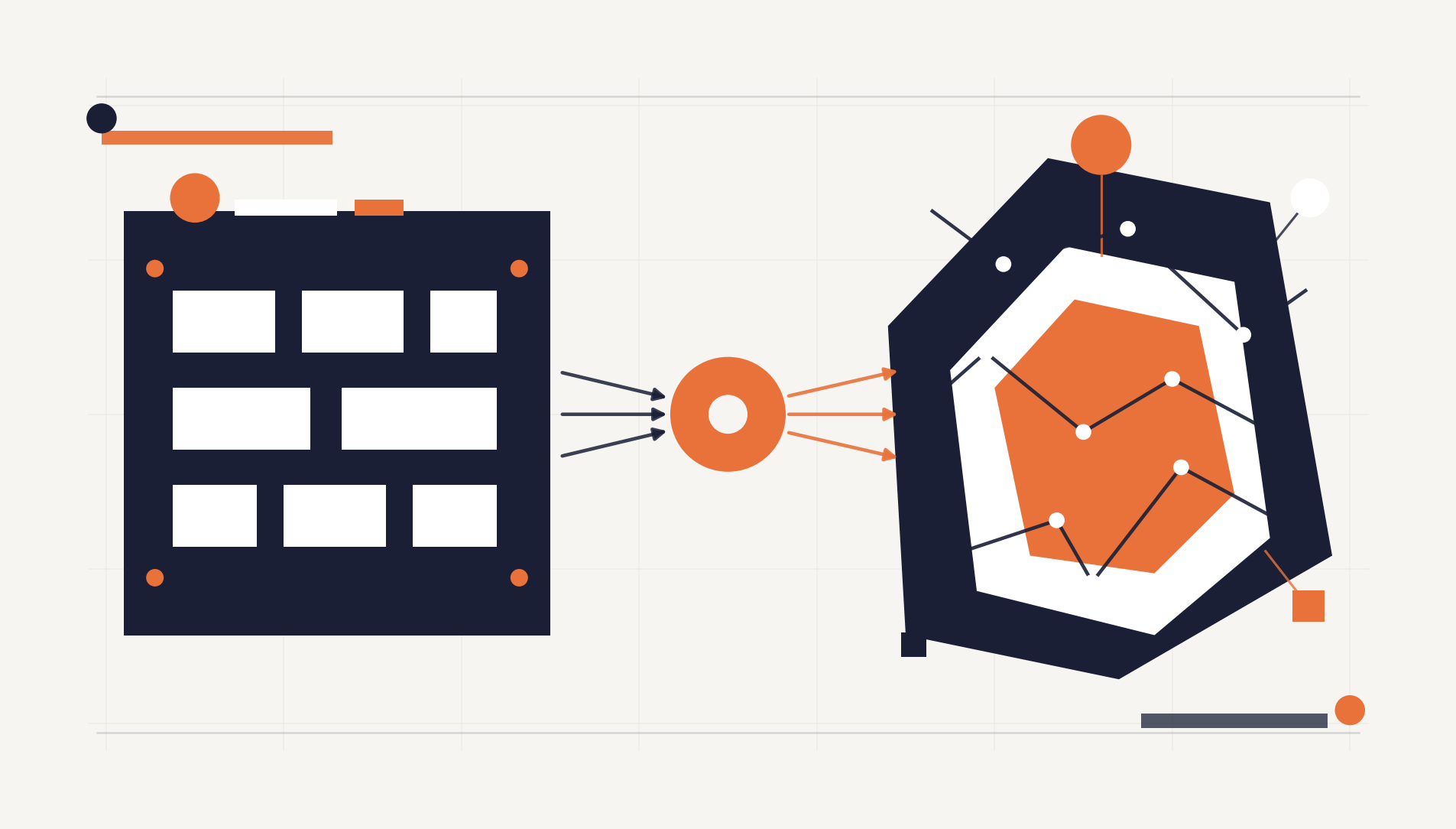
What Is the Difference Between an AI Chatbot and an AI Agent?
An AI chatbot is a conversational interface that responds to user inputs with pre-programmed or language-model-generated answers. An AI agent is an autonomous system that can reason about goals, plan multi-step actions, use external tools, and execute tasks without constant human guidance. The difference isn't incremental — it's architectural.
If you've been following the AI space in 2026, you've probably noticed these two terms used interchangeably. They shouldn't be. The distinction between a chatbot and an agent determines what you can actually automate in your business, how much human oversight you'll need, and what kind of return you can expect on your investment.
This guide breaks down exactly how they differ, where each one shines, and how to decide which one your business actually needs.
How Do AI Chatbots Work?
AI chatbots operate on a request-response model. A user sends a message, the chatbot processes it, and it returns an answer. Even the most sophisticated chatbots powered by large language models like GPT-4 or Claude follow this fundamental pattern — they're reactive systems that wait for input before producing output.
What Chatbots Are Good At
Chatbots excel in scenarios where the interaction is conversational and bounded. They're ideal for answering frequently asked questions, guiding users through simple decision trees, providing product information, handling basic customer support queries, and collecting form-like data through natural conversation.
A well-built chatbot on your website can handle 60–80% of incoming support queries without human intervention. It can greet visitors, answer questions about your services, qualify leads by asking the right questions, and route complex issues to your human team. For many businesses, especially in e-commerce and SaaS, this alone delivers significant value.
Where Chatbots Fall Short
The limitation is that chatbots are stateless and single-turn by nature. Even when they maintain conversation history within a session, they can't take independent action. A chatbot can tell a customer their order status if it has access to that data, but it can't proactively monitor orders, detect delays, notify affected customers, and rebook shipments — that requires a fundamentally different architecture.
Chatbots also struggle with tasks that require multi-step reasoning across systems. If resolving a customer's issue requires checking the CRM, looking up an invoice in the billing system, verifying a shipping status in the logistics platform, and then composing a personalized response — a chatbot either needs each of those integrations hand-wired or it simply can't do it.
How Do AI Agents Work?
AI agents operate on a goal-completion model. Instead of responding to a single input, an agent receives an objective and autonomously determines how to achieve it. It can plan a sequence of actions, execute them using tools and APIs, evaluate the results, and adjust its approach if something goes wrong.
The Core Capabilities of an AI Agent
What makes an agent fundamentally different from a chatbot is its ability to act autonomously across multiple steps. An AI agent can:
Plan and reason. Given a goal like "process this month's vendor invoices," an agent can break that down into subtasks: retrieve invoices from email, extract line items, match them against purchase orders, flag discrepancies, and queue approved invoices for payment.
Use external tools. Agents interact with APIs, databases, file systems, and third-party services. They don't just generate text — they take actions in real systems. An agent can query your ERP, update records in your CRM, send notifications through Slack, and generate reports in Google Sheets.
Maintain state and context. Unlike chatbots that reset between sessions, agents can maintain awareness of ongoing processes. An agent monitoring your sales pipeline knows what happened yesterday, what's changed today, and what needs attention tomorrow.
Handle errors and adapt. When an API call fails or data is missing, an agent can retry, try an alternative approach, or escalate to a human with full context about what it attempted and where it got stuck.
Real-World Agent Examples
A customer support agent doesn't just answer questions — it investigates issues. When a customer reports a billing discrepancy, the agent pulls up their account, reviews recent transactions, cross-references the pricing tier, identifies the root cause, issues a credit if the policy allows it, and sends a detailed resolution email. The entire workflow executes without human intervention for straightforward cases.
A data analysis agent doesn't wait for you to ask the right question. Given a directive like "identify why conversion rates dropped last week," it queries your analytics platform, segments the data by traffic source and device type, checks for technical issues in your error logs, and produces a narrative report with specific findings and recommendations.
A workflow orchestration agent coordinates multi-system processes. Employee onboarding, for example, might require creating accounts in five different platforms, generating documents, scheduling training sessions, and notifying relevant team members. An agent handles the entire chain, tracking completion status and following up on pending items.
AI Chatbot vs AI Agent: A Direct Comparison
Understanding the differences becomes clearer when you compare them across specific dimensions. Rather than a simple feature checklist, here's how the two technologies diverge in practice.
Interaction Model
A chatbot is conversational — it engages in dialogue with a user, one exchange at a time. An agent is task-oriented — it receives an objective and works toward completion, potentially involving zero direct user interaction during execution. You talk to a chatbot. You delegate to an agent.
Autonomy Level
Chatbots have low autonomy. They respond when prompted and do exactly what their programming or prompt engineering dictates. Agents have high autonomy. They make decisions about how to accomplish goals, including which tools to use, what order to execute steps in, and how to handle unexpected situations.
System Integration
Chatbots typically integrate with one or two systems — your knowledge base and maybe your CRM for basic lookups. Agents integrate with multiple systems simultaneously and can orchestrate actions across them. An agent might read from your database, write to your project management tool, and send messages through your communication platform — all within a single task execution.
Complexity of Tasks
Chatbots handle simple, well-defined interactions: answering questions, collecting information, routing requests. Agents handle complex, multi-step workflows: processing documents, coordinating approvals, analyzing data across sources, and managing ongoing processes.
Error Handling
When a chatbot encounters something outside its scope, it typically says "I don't understand" or escalates to a human. When an agent encounters an error, it reasons about the failure, tries alternative approaches, and only escalates when it has exhausted its options — providing full context about what it tried.
Cost and Implementation
Chatbots are simpler and cheaper to deploy. A basic customer support chatbot can be live in days using platforms like Intercom, Drift, or a custom integration with an LLM API. Agents require more architectural investment — you need to define tool integrations, set up proper authentication and permissions, build monitoring and guardrails, and design the agent's decision-making framework. Implementation timelines range from weeks to months depending on complexity.
Which One Does Your Business Need?
The right choice depends on what you're trying to automate and how much autonomy you're comfortable delegating to AI.
Choose a Chatbot When
Your primary need is customer-facing conversation. If you want to handle FAQ responses, qualify leads through conversational flows, provide instant product information, or offer basic support outside business hours, a chatbot is the right tool. It's faster to deploy, easier to maintain, and the ROI is straightforward — you're reducing the volume of repetitive queries that reach your human team.
Chatbots also make sense when your processes are simple and well-defined. If every customer inquiry follows a predictable pattern and the resolution doesn't require actions across multiple systems, a chatbot handles it efficiently. Think appointment booking, order status checks, or product recommendations based on simple criteria.
Choose an AI Agent When
Your bottleneck is multi-step operational work that currently requires a person to coordinate across systems. If your team spends hours each week on tasks like processing invoices, compiling reports from multiple data sources, managing document workflows, or coordinating actions across your tech stack — those are agent-shaped problems.
Agents are also the right choice when you need proactive automation rather than reactive responses. A chatbot waits for someone to ask a question. An agent can monitor your systems, detect conditions that need attention, and take action before anyone asks. Inventory running low? The agent can flag it, draft a purchase order, and notify the procurement team — without waiting for someone to check.
The Hybrid Approach
In practice, most businesses benefit from both. A chatbot handles the front-line customer interaction — fast, conversational, and available 24/7. Behind the scenes, AI agents handle the complex operational work that the chatbot surfaces. When a customer reports an issue through the chatbot, an agent investigates it. When a lead is qualified through the chatbot conversation, an agent enriches the data and updates the CRM.
This layered architecture gives you the accessibility of conversational AI with the operational power of agentic automation. It's the approach we recommend to most of our clients at StackSpace, and it's where the industry is clearly heading.
How to Get Started
If you're evaluating AI for your business, start by mapping your current workflows. Identify where your team spends time on repetitive, rule-based tasks — that's where automation delivers the clearest ROI.
For customer-facing needs, start with a chatbot. The barrier to entry is low, the impact is immediate, and it gives your team experience working with AI before committing to more complex implementations. Use it to handle your most common support queries, qualify inbound leads, or provide instant information to website visitors.
For operational automation, start with a single, well-defined workflow. Don't try to build an agent that does everything — pick one process that's currently manual, time-consuming, and involves multiple systems. Invoice processing, report generation, or employee onboarding are common starting points. Build the agent, measure the time savings, and expand from there.
The technology is mature enough that you don't need to wait. Both chatbots and AI agents are delivering real production value in businesses across every industry. The question isn't whether to adopt AI — it's which type of AI solves your specific problem.
Frequently Asked Questions
Can an AI chatbot become an AI agent?
Not through simple upgrades. While chatbots and agents can use the same underlying language models, the architecture is fundamentally different. An agent requires tool integration, planning capabilities, state management, and error handling that chatbot frameworks aren't designed for. You can evolve a chatbot into an agent, but it's closer to a rebuild than an upgrade.
Are AI agents safe to use in production?
Yes, with proper guardrails. Production AI agents should have clearly defined permissions (what systems they can access and what actions they can take), human-in-the-loop checkpoints for high-stakes decisions, comprehensive logging for audit trails, and rate limits to prevent runaway behavior. The key is giving agents enough autonomy to be useful while maintaining enough oversight to be safe.
How much does it cost to build an AI agent?
Costs vary significantly based on complexity. A simple single-workflow agent might cost $5,000–$15,000 to build. A multi-system agent handling complex business logic can run $20,000–$80,000+. The ongoing costs include LLM API usage (typically $100–$2,000/month depending on volume), infrastructure, and maintenance. For Philippine-based development, these figures are 50–70% lower than US rates. Check our pricing guide for detailed breakdowns.
What's the difference between an AI agent and RPA (Robotic Process Automation)?
RPA bots follow rigid, pre-programmed rules — click here, copy this, paste there. They break when interfaces change and can't handle exceptions. AI agents understand intent and context, can reason through novel situations, and adapt when things don't go as expected. Think of RPA as a macro on steroids and an AI agent as a junior employee who can figure things out.
Do I need technical expertise to deploy an AI chatbot or agent?
For chatbots, not necessarily. Platforms like Intercom, Tidio, and ChatBot.com offer no-code builders. For AI agents, yes — you'll need development expertise for tool integration, prompt engineering, and system architecture. Working with a development partner experienced in AI significantly reduces implementation risk and time-to-value.
Written by
Jabez Borja
More articles
How to Evaluate If Your Business Is Ready for AI Automation
A practical AI readiness assessment for business owners — the five dimensions that decide whether automation will pay off, a self-scoring scorecard, a step-by-step assessment process, and the green lights and red flags to check before you build.
Hidden Costs of Software Development Nobody Warns You About
The line items that don't show up in a software quote but blow up the budget anyway — maintenance, infrastructure, scope creep, integrations, and more. A 2026 breakdown with realistic ranges and a pre-signature checklist.
Our Tech Stack for Building Client Projects in 2026: Tools, Infra, and Why
A transparent look at the tech stack StackSpace uses to build client projects in 2026 — the frontend, backend, database, infrastructure, and AI tools we default to, the criteria we choose them on, and where we deliberately deviate.
Want to build something?
We help businesses turn ideas into production software. Book a discovery call and let's talk about your project.